What an AI workforce can and cannot do for a shop
Meet the agents in the morebasket AI workforce, see what can run on its own and what needs your approval, and read the honest limits for a small shop.
The morebasket team ·

An AI workforce is a set of AI agents that handle routine shop jobs using your live store data. In morebasket there are several, currently Product, SEO, Builder, Order and Inventory. You decide what runs automatically and what needs your approval.
What is an AI workforce, in plain words?
Think of a small team of helpers, each with one job. They do not chat for the sake of it. They look at your store, do a defined task and either finish it or ask you first.
The idea is time. A small shop owner spends hours on routine work: listings, copy, page edits, order steps, stock checks. An agent can take a first pass at that work. You stay the owner of every decision that matters.
Who are the agents and what do they do?
| Agent | What it helps with |
|---|---|
| Product | Drafts product listings |
| SEO | Writes SEO copy and helps optimize it |
| Builder | Designs and edits pages |
| Order | Handles order and fulfilment tasks |
| Inventory | Watches and manages stock |
Each one works from your live store data, so it starts from what is really in your shop rather than a blank page. The full list of jobs is on the AI workforce page.
What can run on its own, and what needs your approval?
This is the question that matters most, and the answer is that you decide. The AI workforce has human-in-the-loop approval controls: you choose what runs automatically and what needs your approval first.
A sensible way to think about it:
- Low stakes, easy to check: a stock watch that flags items running low is a good candidate to run on its own.
- Visible to customers: product copy, SEO copy and page changes are worth approving, at least until you trust the results.
- Touches money or customers: order and fulfilment tasks deserve a close look before you let them run unattended.
These are suggestions, not rules we apply for you. Start strict. Loosen what runs automatically only after you have reviewed enough output to know what the agents get right for your shop.
What does a day with the agents look like?
Here is one way to picture it. It describes how you might use the controls. It is not a promise of a result, and the exact screens may differ.
You add a new product with a few notes. You ask for a draft listing from the Product agent, and you choose to review it before it goes anywhere. You read it, fix one detail and approve. The SEO agent helps with the search copy, and you review that too. Meanwhile you let the Inventory agent keep watching stock, because a stock watch is a job you are comfortable leaving to run.
The point of the example is the split: some jobs you review, some you leave running. That split is yours to decide.
What can it not do?
Honest limits matter more than a long feature list.
- It can be wrong. AI drafts can contain mistakes or claims you cannot support. You review what matters.
- It does not know your business unless you tell it. It sees your store data, not your plans, your supplier problems or what you promised a customer by phone.
- It does not replace judgment. Pricing strategy, brand direction and who you sell to remain your calls.
- It does not guarantee outcomes. We make no claims about sales, rankings or time saved. Your results depend on your products, your customers and how you use it.
- It is not magic setup. It works best on a store with clear products, sensible stock levels and a defined way of working.
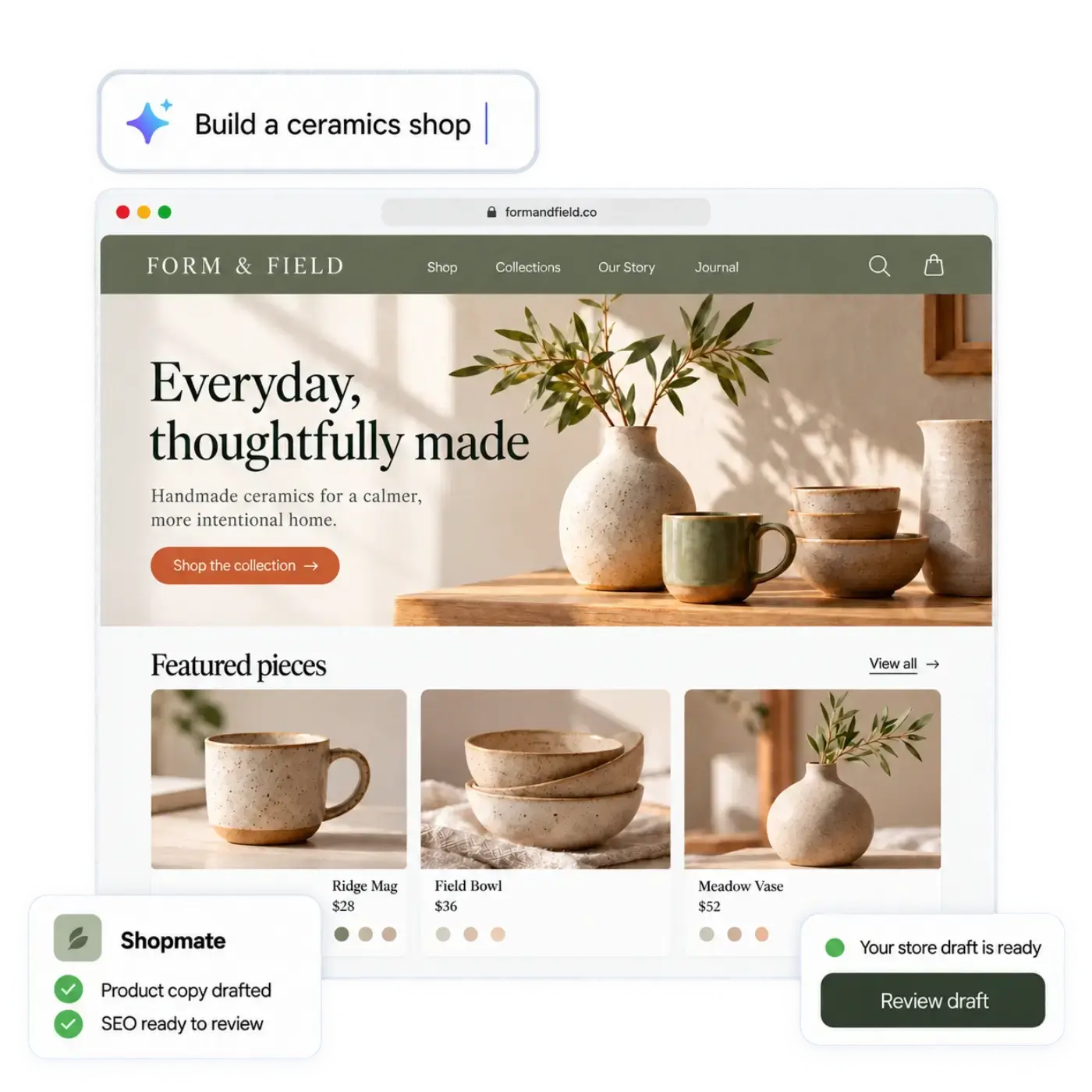
Also worth knowing: Shopmate works inside your admin too. It helps you build and change your store by chat, and in the admin it can help with product copy, collections, discounts, images and a plain sales report. It edits a draft of your design, small edits apply right away with one-click undo, and removals or big changes ask you to confirm. Shopmate never publishes anything: you do.
How is the AI workforce different from Shopmate and the store builder?
They fit together but do different jobs.
- The AI store builder creates a first version of your store. Describe your shop in your own words, or start from a spreadsheet of your products. CSV import in Products also works on its own.
- Shopmate is the assistant you talk to for changes while building.
- The AI workforce is the team that helps run the routine work, with approval controls, using live store data.
You can use them in that order: build, refine, then let the workforce share the routine tasks.
Is it right for a small shop?
It suits you if you recognize any of these:
- You repeat the same listing, copy or stock tasks every week.
- You work alone or with a very small team.
- You want help but not a system that makes decisions without you.
It suits you less if you sell a handful of products that rarely change. In that case the manual route may be quick enough, and that is fine.
On plans, the plan list on pricing puts the AI workforce on Business, with more agents and jobs. Compare the plans there, and the orders and inventory pages to see the parts of the shop the Order and Inventory agents work around.
How should you start?
- Pick one agent and one job, such as drafting listings.
- Choose to approve its work before it goes anywhere.
- Review ten drafts and note what it gets wrong.
- Fix your product notes or instructions and review again.
- Only then decide whether anything can run automatically.
A slow start costs little. A fast start with everything automatic is how small mistakes reach customers.
For a hands-on example of working with AI copy, read how to use AI to write product descriptions that sound like you.
Next step
Open the AI workforce page, choose the one routine job that costs you the most time, and plan to keep your approval on it. Review the first batch yourself before you widen what the agents may do.