Jewelry · Silver
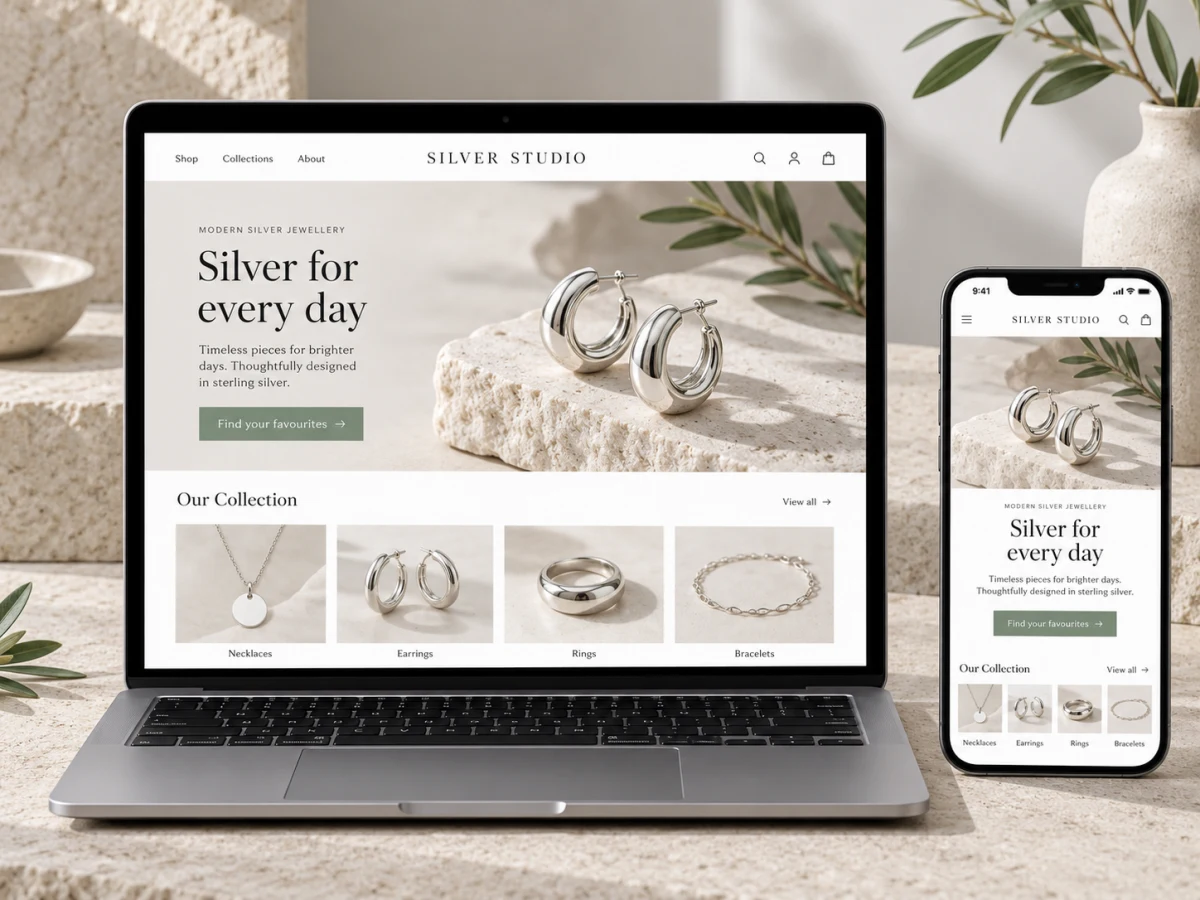
A store as clean as your silver.
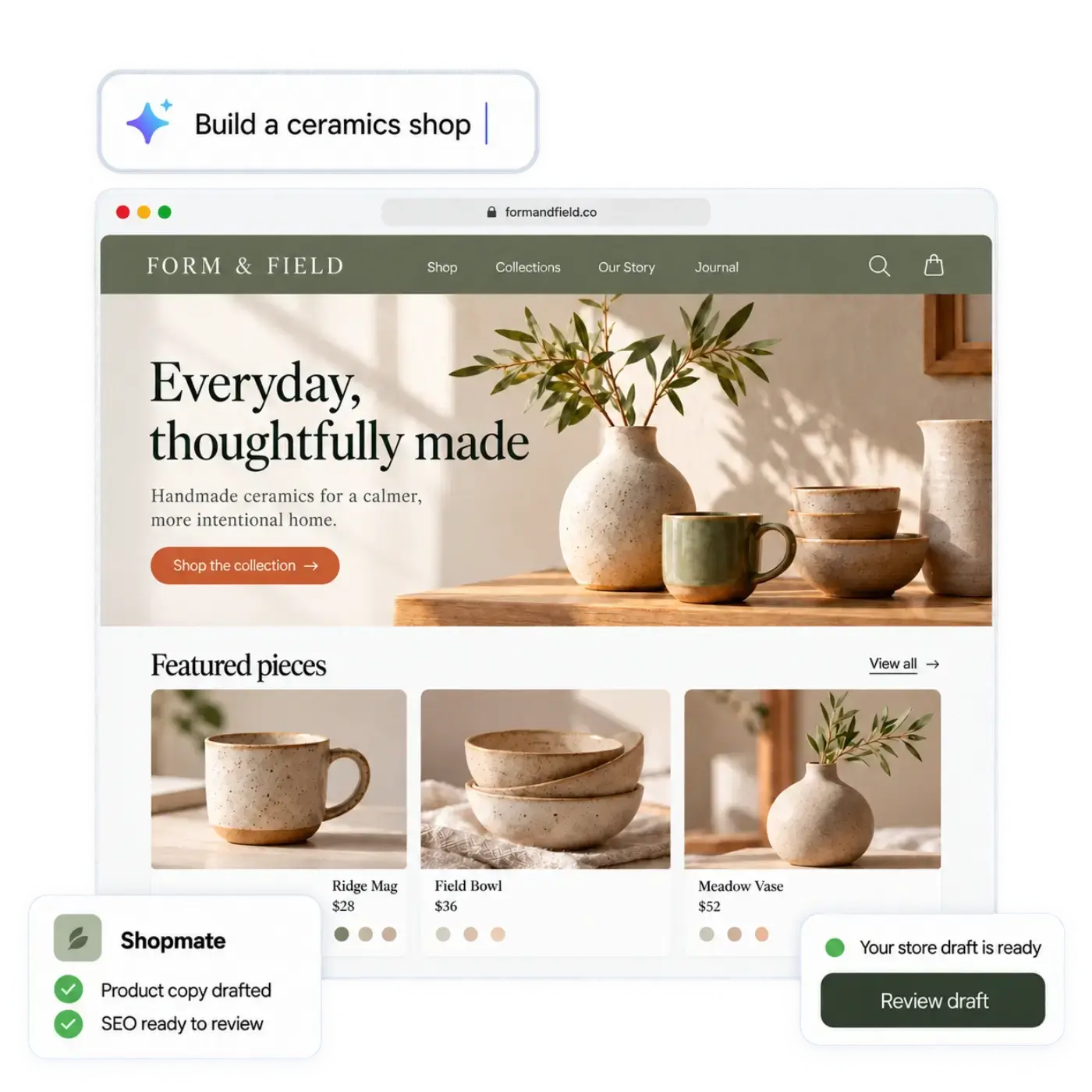
Describe your shop, and the AI store builder drafts your store: the design, the page copy and a first catalog. Then it keeps helping with the daily work, while you stay in charge.
Try
The product page
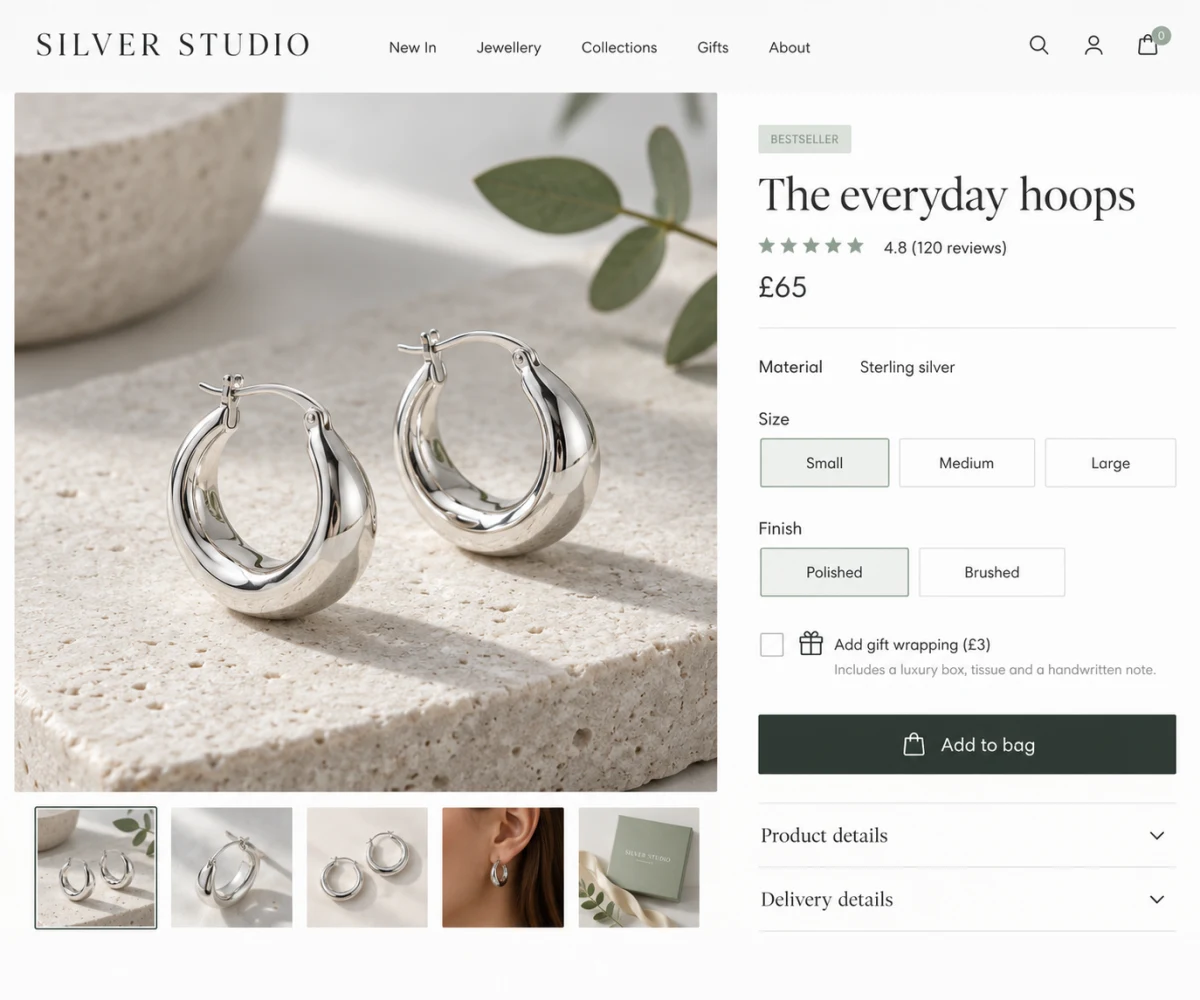
What buyers want answered on a silver jewelry product page
Jewelry is a considered purchase. Your page has to answer the questions in the buyer's head, without making them leave to ask.
Sizes and finishes as options
A ring in seven sizes and two finishes is one product with options, and stock is tracked for each.
Sets and gifts that sell the moment
Bundle a pendant with matching earrings. Sell gift cards for people who want to give jewelry but not choose it.
Everyday pieces, easy to browse
Collections for everyday, gifts and statement pieces, so buyers find their way quickly.
Returns and exchanges, handled
Orders, returns and exchanges live in one place, so you can always see what is where.
Start with a sentence
Tell it about your silver jewelry. Get a first draft of your store.
“I sell handmade sterling silver jewelry: rings, chains and earrings. Light, modern and minimal.”
You get a drafted design, page copy and a first catalog. Or start from a spreadsheet of your products. Nothing goes public until you review it and publish.
Collections
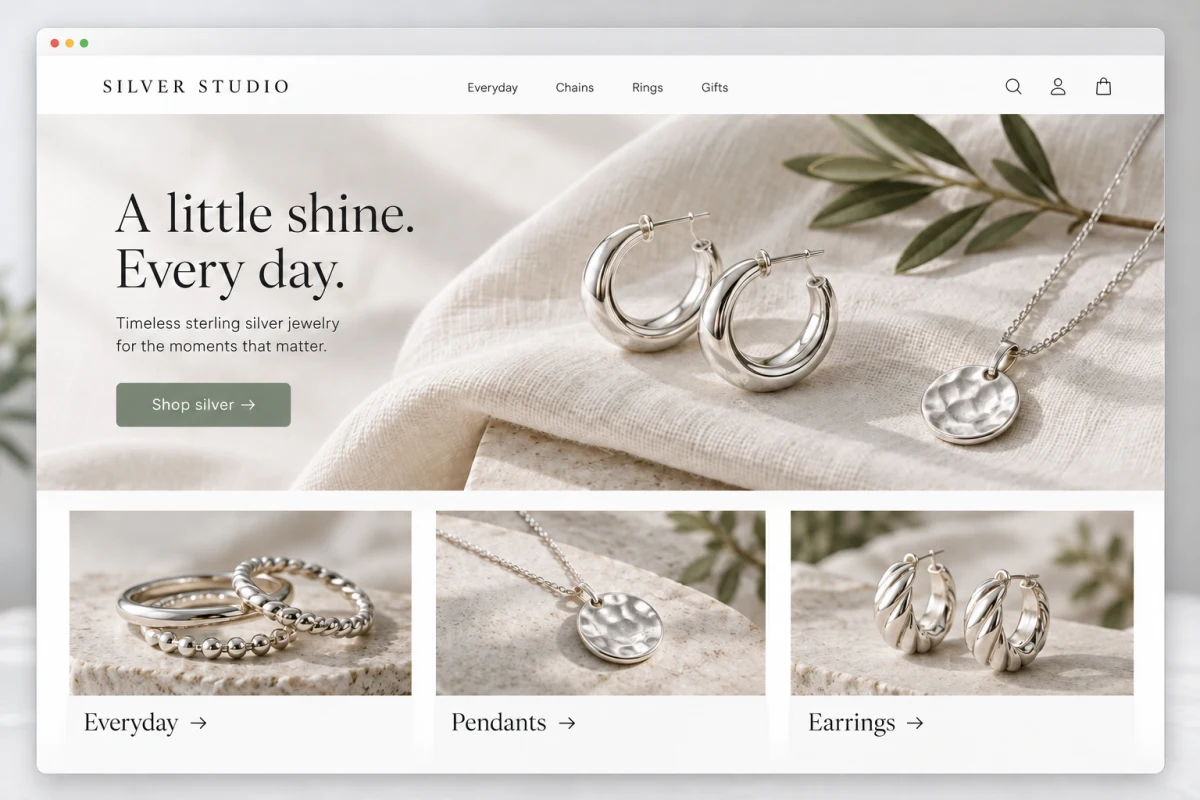
Organise your products the way people shop
Everyday, Chains, Rings, Anklets and more. Group your products into collections, and feature the ones that matter this month on your home page.

Everyday
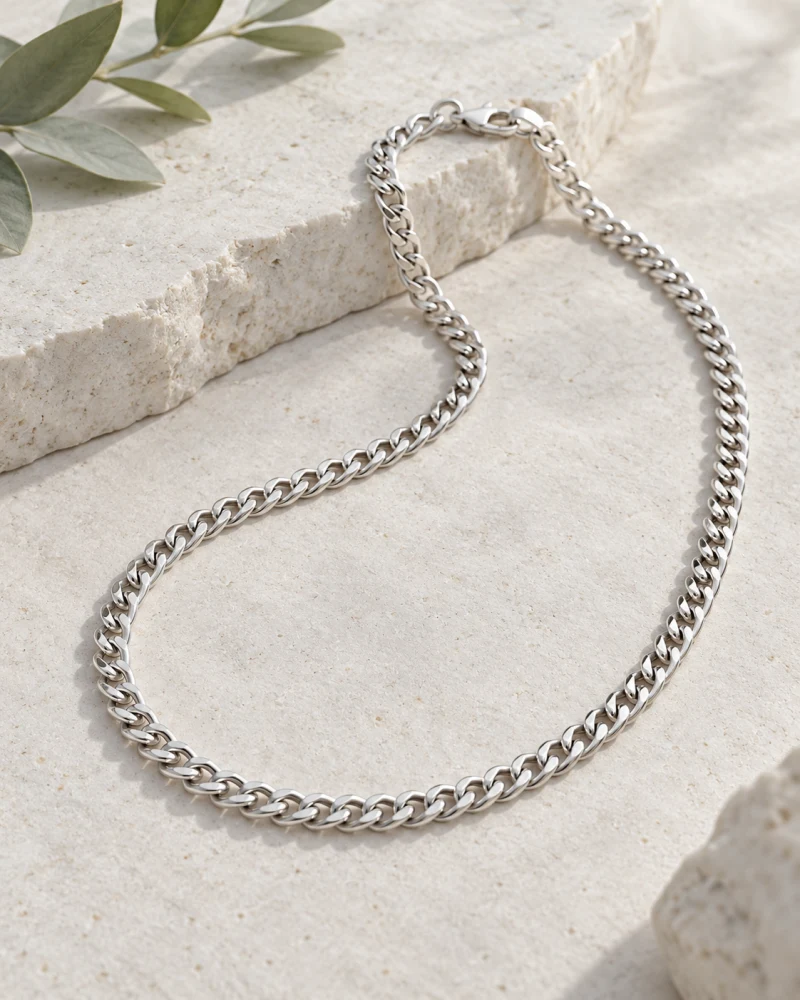
Chains

Rings
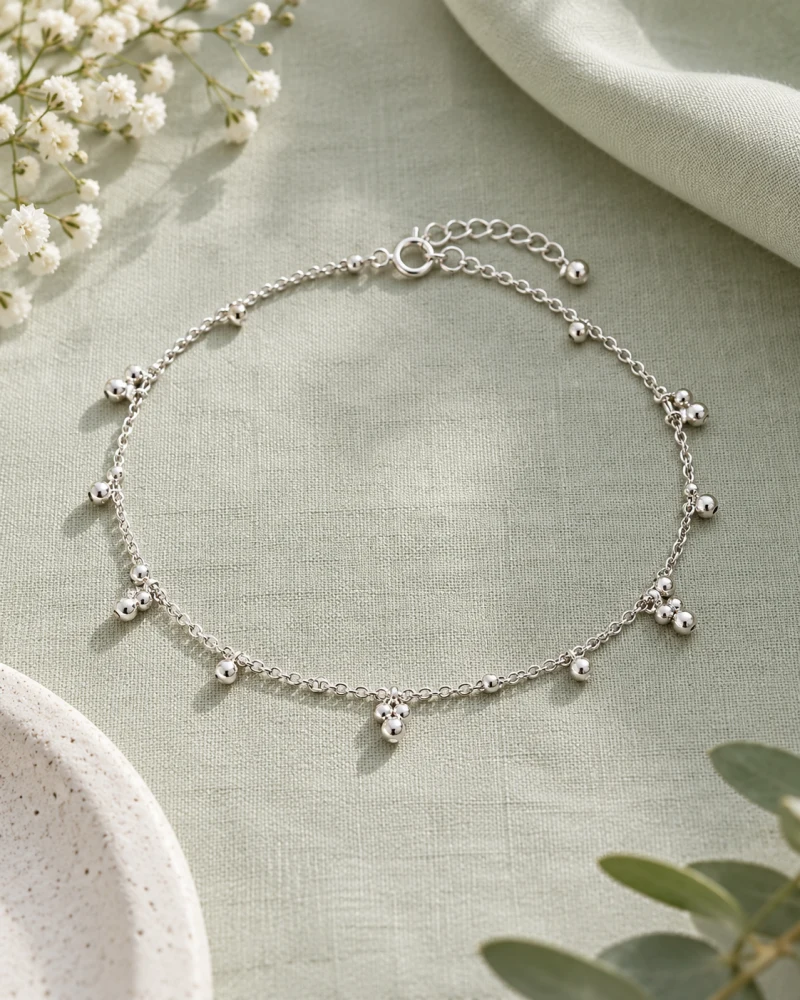
Anklets

Gifts
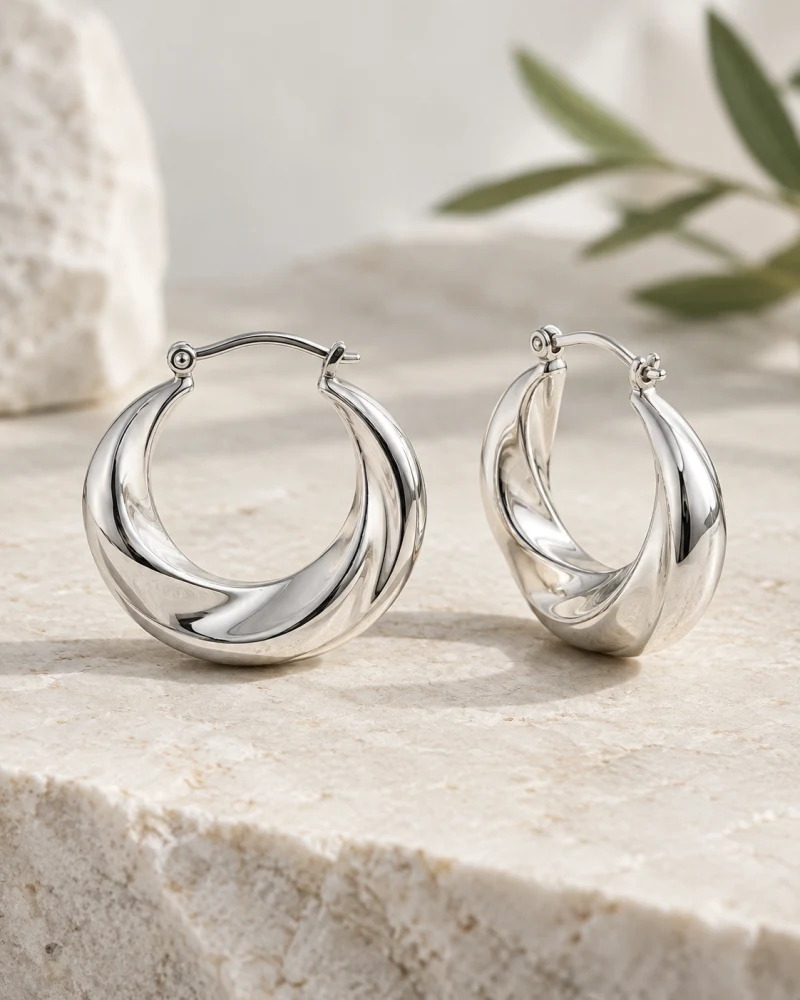
Earrings
Launching something new
AI agents take the routine work. You keep the decisions.
Here is how a new pair of earrings could go from your workshop or warehouse to your shop.
- 1
You add a new pair of earrings
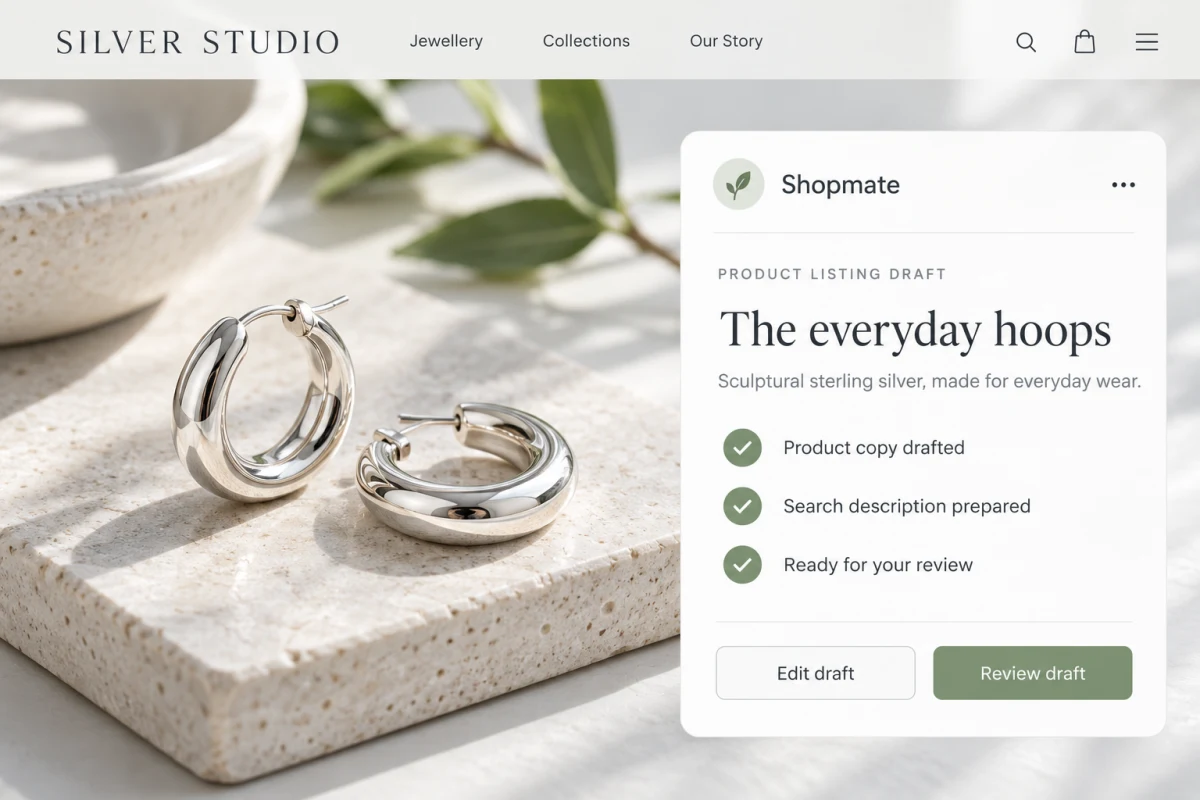
Tell the Product agent what it is, and it drafts the listing, with the options you offer, for you to review.
- 2
It gets found
The SEO agent writes the search copy for the product and for the collection it belongs to.
- 3
It goes on the home page
The Builder agent puts it on your home page. You see the change on a draft first, and you publish when you are happy.
- 4
It sells, and you stay on top of it
The Order agent handles the routine order steps. The Inventory agent watches stock, so a popular option does not quietly run out.
You decide what each agent may do on its own and what waits for your approval. You can see a record of what they did.
Selling
Sell where your customers already are
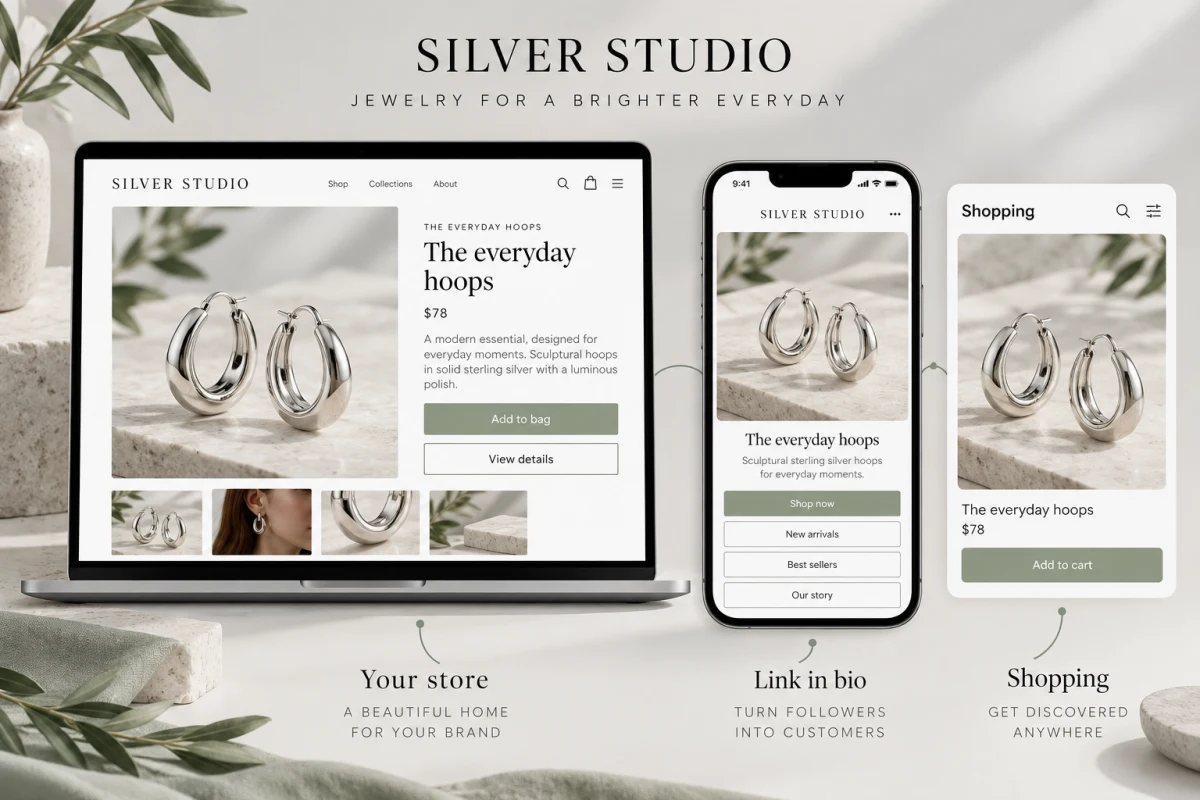
Your own store
Your design, your domain on the Pro plan, your customers. Every store also gets a morebasket address.
Your Instagram and link-in-bio page
On the Pro plan, paste a buy button onto any page, so someone can buy without leaving the page they found you on.
Google Shopping and Meta
On the Pro plan, a product feed for Google Shopping and Meta catalogs, so your products can be found where people are looking.
Paid to your own account
Checkout runs on Stripe or PayPal. Each store connects its own accounts, so the money goes to your account at your provider's rates.
Want to build your jewelry store when we open?
morebasket is in beta. Join the waiting list and we'll email you when your spot opens.
Questions from jewelry sellers
Talk to usCan I build a jewelry store without a designer?
Yes. Describe your shop in a sentence, or start from a spreadsheet of your products, and the AI store builder drafts the design, the page copy and a first catalog. You can edit anything by clicking, or by asking Shopmate in plain words. Nothing is public until you publish.
Can I list one ring in several sizes and metals?
Yes. Sizes, metals and stones are options of one product. Each combination has its own stock.
Can I sell one-of-a-kind pieces?
Yes. Set the stock to one, and the piece stops being available once it sells.
Can I bring my products from another platform?
If your current platform lets you export your products as a CSV file, you can import that file into Products. Your new store stays private until you publish it, so you can check everything first.
How do customers pay, and where does the money go?
At checkout through Stripe or PayPal. Each store connects its own accounts, so the money goes to your account at your provider's rates.
Can the AI agents run my store without me?
They take on routine jobs such as drafting listings, writing search copy, editing pages, order tasks and watching stock. You decide what each may do on its own and what waits for your approval, and you can see a record of what they did.
Can I use my own domain?
Yes, on the Pro plan. Every store also gets a morebasket address.
What does it cost?
There are three plans, priced by the number of products, how much AI you use and which agents you have, not by features or themes. Prices depend on your country, and you can see them on the pricing page.
Is morebasket open yet?
We are in beta and letting people in from a waiting list. Join the list and we will tell you when it is your turn.
Other industries
Your next chapter starts here
Describe your shop. Open it today.
Tell us what you sell. The AI builds a store you can edit, and you can start selling from it right away.
Try
Free to start. No credit card required. Explore plans