How to create discounts and promotions that work
Plan promotions and campaigns in morebasket, use gift cards, store credit and price lists on Pro, and keep offers clear so shoppers trust them.
The morebasket team ·

A discount works when shoppers understand it in a few seconds, it has a clear end, and it still leaves you with a fair margin. In morebasket you create promotions and group them into campaigns. Gift cards, store credit and price lists cover other jobs, and the plan list puts them on the Pro plan.
What tools does morebasket give me for offers?
Different offers need different tools. Here is how they fit together.
| Tool | What it is for | On the Pro plan list? |
|---|---|---|
| Promotions | A discount you create and manage | No |
| Campaigns | A group of promotions run as one effort | No |
| Gift cards | Value a customer can buy and give or spend | Yes |
| Store credit | Credit held in a customer’s account | Yes |
| Price lists | Different prices for chosen customer groups | Yes |
Start with the basics. Promotions and campaigns are enough for most first offers. Add the Pro tools when you have a clear reason. The plan list on the pricing page shows which plan has what.
How do I plan a promotion before I build it?
A few minutes of planning prevents a margin problem later.
Answer five questions:
- Why? Clear stock, welcome new shoppers, thank returning ones, or mark a season.
- Who? Everyone, or a specific group.
- What? All products, one collection, or a handful of items.
- How much? The most you can give and still be happy with the sale.
- Until when? A start and an end that you will keep.
Write the answers in one line, such as: “Thank-you offer for returning shoppers, on our candle collection, through the end of the month.” If you cannot say it in one line, shoppers will struggle to read it too.
How do I create a promotion?
- Open your admin and go to promotions.
- Create a promotion and give it a name you will recognize later.
- Set what it gives and what it applies to.
- Set the dates it should run.
- Save it and test it at checkout.
morebasket does not claim analytics on promotions, so keep your own note of what you ran and when. Compare your orders for the same period with a similar period before it.
What is a campaign, and when do I use one?
A campaign groups promotions that belong to one effort. A spring sale might include one offer on a collection and another on a single bestseller. Grouping them keeps your list tidy and makes it easier to review the whole effort afterward.
Use a campaign when:
- Several promotions share the same theme and dates.
- You want to find them together later.
- You run the same event each year and want a template to copy in spirit.
What makes a discount trustworthy?
Shoppers are cautious. The more a discount looks like a trick, the less they believe it.
- State the terms plainly. What is included, what is not, and when it ends.
- Keep the end date real. If you extend every deadline, shoppers learn to wait.
- Use a fair starting price. Do not raise prices just to cut them.
- Make the saving obvious. Show what the shopper pays, not just a percentage.
- Keep the code short. A word they can type from memory beats a long string.
Limited time works because it is true. A short window with a clear end gives people a reason to decide now. A permanent sale gives them a reason to ignore you.
How do I avoid confusing offers?
Too many offers at once is the commonest problem. If a shopper has to work out which discount wins, they may leave.
Rules of thumb:
- Run one main offer at a time.
- Do not stack offers unless you have thought through the total. Test a cart that triggers everything to see the final price.
- Keep a record of every live offer so staff and helpers know what is running.
- End old offers when they finish, rather than leaving them to lapse.
- Check shipping rules, since a free-shipping rule plus a discount can be more generous than you intended.
Always place a test order with the offer applied. Look at the total, the shipping and the confirmation email, the way a shopper would.
When should I use gift cards and store credit?
The plan list puts both on the Pro plan.
Gift cards let someone buy value for another person. You can sell gift cards as products and manage them in your admin. They work well in the weeks before holidays and for shoppers who do not know what to pick.
Store credit is value held in a customer’s account. It suits goodwill gestures and some refund situations, where you would rather keep the sale in your store. It is not a replacement for a refund when the customer asks for money back.
Be careful with claims: morebasket does not claim that gift card balances sync across stores, nor expiry rules, so check your local laws on expiry yourself and state your terms clearly. See Gift cards and store credit for what is covered.
When should I use price lists?
A price list holds a second set of prices that applies to chosen customers. A common use is wholesale: your regular shoppers see the normal price, and buyers in a wholesale customer group see the trade price.
Use a price list when:
- A group of buyers always gets different prices.
- You want that to stay in place, rather than ending on a date.
- You do not want to share a code.
Use a promotion when the offer is for everyone, or for a limited time. Customer groups are managed under Customers, and price lists are described on the price lists page.
Which offers suit a small shop?
Some ideas that need no special setup:
- A welcome offer for first orders.
- A seasonal collection with a clear end date.
- A bundle, using a bundle product, so the saving is built in. See how to sell products with variants for how product types fit together.
- A free-shipping threshold, once you have worked out the numbers. See how to set up shipping for your online store.
- A gift card push before a gifting season.
Pick one, run it, and note what happened. Then decide what to repeat.
Where do I tell people about the offer?
An offer nobody sees does nothing. Put it where shoppers already look.
- On your home page, in plain words, with the end date.
- In product pages that qualify.
- On a page for a campaign, if you have several offers.
- Through the buy button on pages outside your store, if you use it.
- In your product feed, if you send products to Google and Meta. See send your products to Google and Meta.
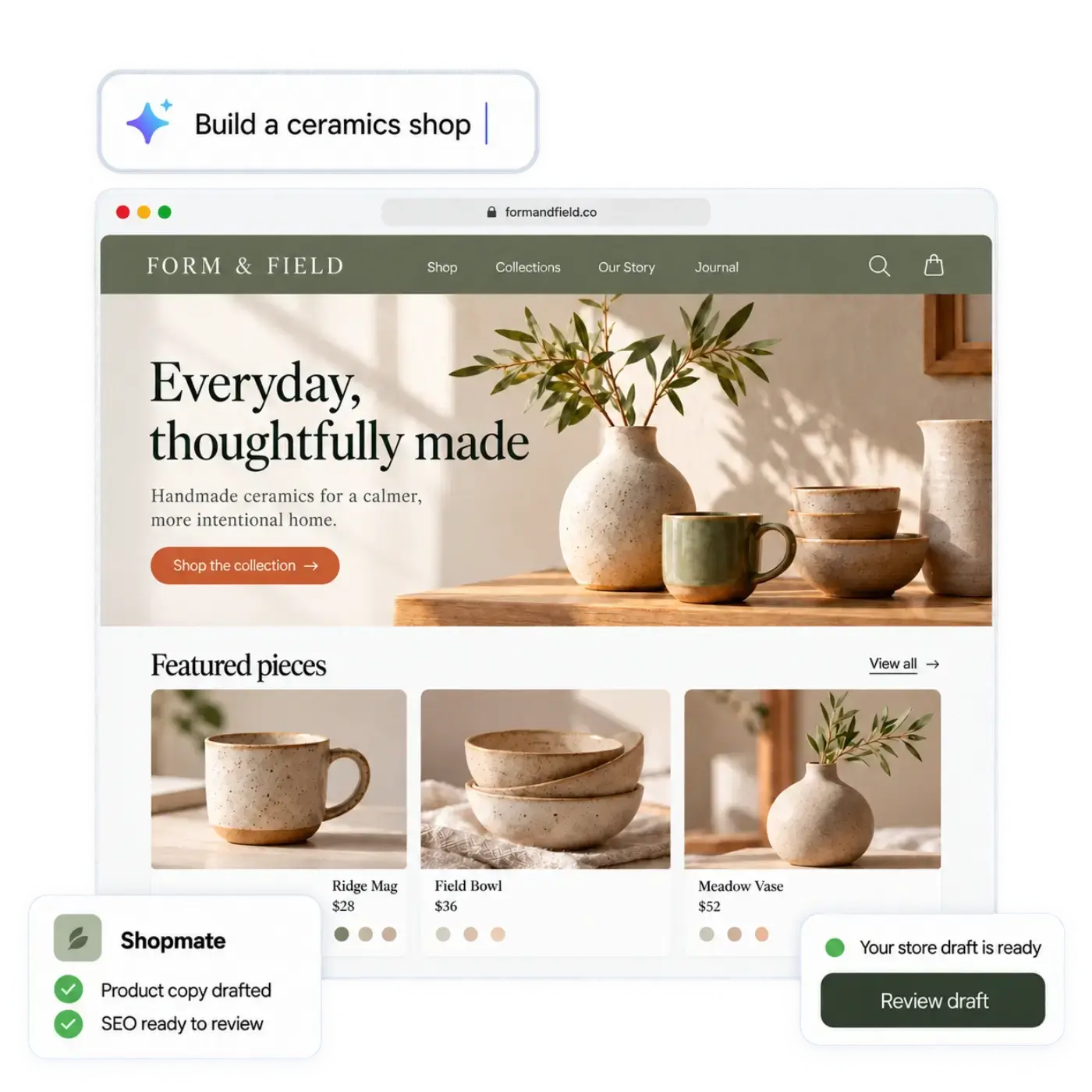
You can ask Shopmate to change home page text while you build the store. It edits a draft, applies small edits right away with one-click undo, and never publishes: you do. Look at the result before you publish.
Next step
Choose one product group, write your one-line plan, and create a single promotion with a real end date. Test it with a sample order, then publish and tell your shoppers. When it ends, note what you learned, and use Promotions to plan the next one.