Shopify alternatives: how to choose one that fits
Thinking about leaving Shopify or comparing before you start? Here is a decision guide to weigh cost, apps, building effort, channels and moving out.
The morebasket team ·

The right Shopify alternative depends on why you are looking. Common reasons are total cost, reliance on paid apps, how long it takes to build, or wanting more control. Pick your reason first, then compare options against it, rather than against a general feature list.
Shopify is a well-known hosted platform, and it suits many shops. This guide is for owners who want to check the field before they commit or before they move.
Why do people look for an alternative?
Owners usually give one of these reasons:
- Cost adds up. The plan price is clear, but apps and add-ons change the monthly total.
- Too many apps. Basics such as reviews, feeds or wholesale pricing come from separate tools.
- Building takes too long. Theme setup, page copy and catalog entry are slow when you do them by hand.
- Control. They want to own the data, the domain and the way the store works.
- A fresh start. The shop has changed, and a rebuild is a chance to simplify.
Write yours down. It decides which options below are worth testing.
What types of alternatives exist?
| Type | How it works | Good fit when |
|---|---|---|
| Hosted platform | The vendor runs the software for a plan fee | You want to sell without managing servers |
| Website builder with a store | A site builder that adds product pages and checkout | The store is a small part of a larger site |
| Self-hosted software | You install and host it yourself | You have technical help and want full control |
| AI-first platform | Software drafts the store and helps run it | You want a quick start and less manual setup |
For more on the hosted and self-hosted split, read hosted vs self-hosted ecommerce.
What should I check on any alternative?
Use this list on every option you try:
- Real monthly cost. Add the plan, the apps you need and any platform fee on top of your payment provider’s. Our cost worksheet helps.
- Payments. Does the money go to your own provider account? Which providers are supported in your country?
- Catalog tools. Variants, collections, bulk import and export.
- Channels. Can you reach the places your customers already shop?
- Support. Hours, channels and help with moving.
- Exit. Can you export products, orders and customers if you leave again?
The broader version of this list is in how to choose an ecommerce platform.
Where does morebasket fit?
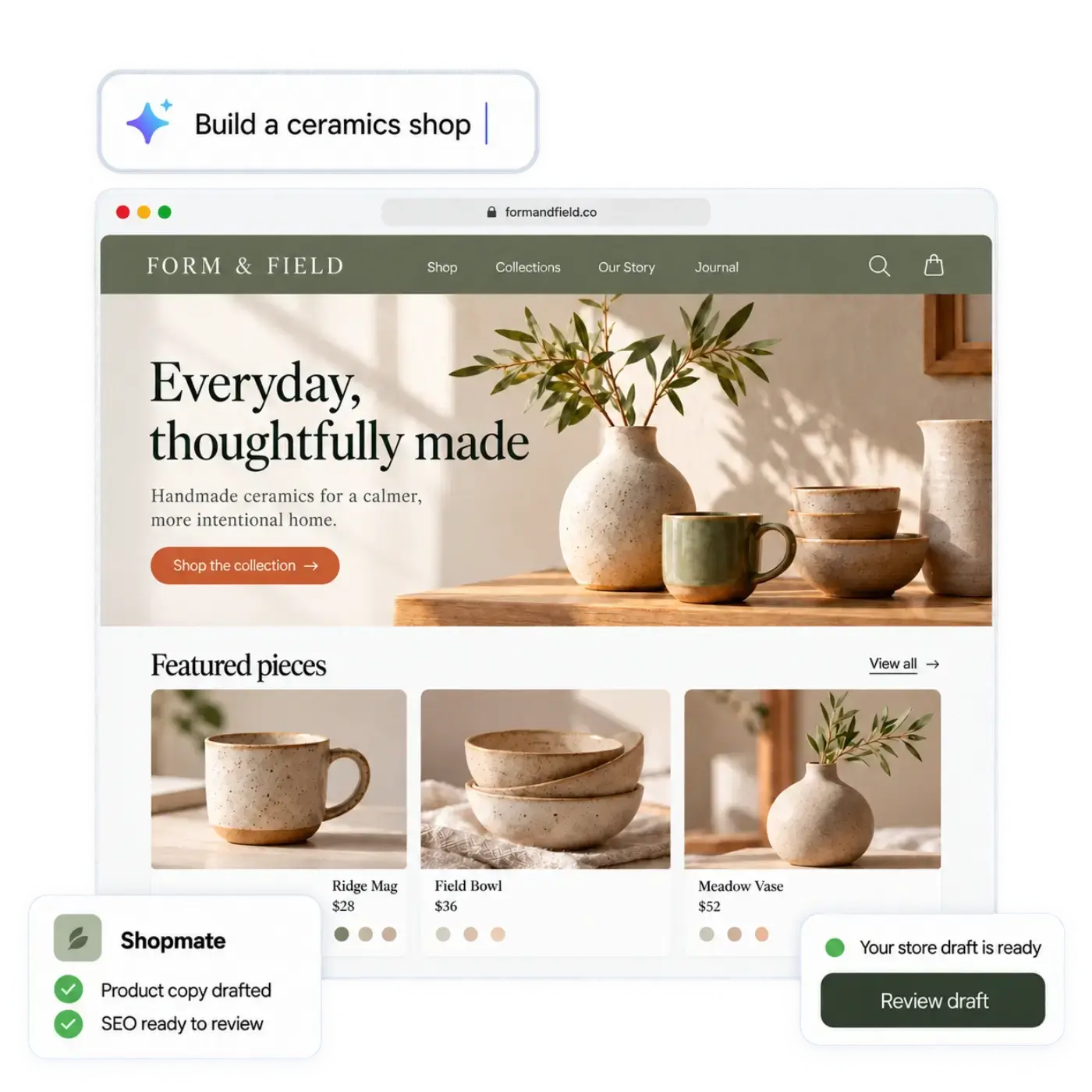
morebasket is an AI-centric ecommerce platform. It combines an AI store builder, an assistant called Shopmate, an AI workforce and a full back office for orders, products, stock and customers. It is built on open-source commerce technology.
It may suit you if:
- You want a first store drafted from a short description of your shop or from a spreadsheet of your products, and kept private until you publish it. See the AI store builder.
- You want payments to go to your own Stripe or PayPal account. See Payments.
- You want creator tools, a Google and Meta feed, or a buy button on the Pro plan.
- You may run several stores from one login on the Business plan.
It may not suit you if you rely on a specific third-party tool that morebasket does not connect to. Check the features you cannot do without, and ask us if something is unclear on the contact page.
For a point-by-point view, see the morebasket and Shopify comparison.
How do I test an alternative without a rebuild?
Do not move your live store to test. Instead:
- Export your products from your current platform as a CSV.
- Create a draft store on the alternative.
- Import the CSV, or a sample of 20 rows.
- Check that variants, images and prices arrived.
- Connect a payment account in test mode and place a test order.
- Note what you would rebuild by hand: pages, navigation, theme settings.
This takes an afternoon and tells you more than any feature table. Our guide to importing products from a CSV file covers the import step.
What will not move automatically?
On any platform change, expect to rebuild some things by hand. Typically that means the theme and page layouts, apps and their settings, discount codes, and shipping rules. Product data moves by CSV on most platforms. Customer and order history may need separate exports. Check the target platform’s import options before you plan a date.
How long does a switch take?
It depends on the size of your catalog and how much you rebuild. A small shop with a clean product file can often finish the product import in an afternoon. Pages, policies, shipping and payment settings take longer, because you check each one. Plan a few days for a careful move, keep your old store running during that time, and switch your domain only after a real test order works.
How do I decide?
Score each option from 1 to 3 on your reason, then on cost, payments, catalog, channels, support and exit. Add them up, then discount any option where a must-have feature is missing. Choose the top two, run the test above, and pick the one you finished fastest.
If you decide to move to morebasket, the step-by-step is in how to move your store from Shopify to morebasket.
Next step
List your reason for looking, shortlist two alternatives, and run the afternoon test on each. When you are ready to compare plans, open the pricing page.